Hire asset tagging
Tag any asset as hired-out, hired-in or owned. Filter and report on each cleanly.

Premium Feature
Third-party assets, in one place.
Autocheck's Hire Desk tools make it easy to track, manage and stay in control of assets hired out to third parties. Whether you manage a hire fleet or rent out plant, vehicles or trailers, every asset stays visible and audit-ready.
You can also use Autocheck the other way round: tag hired-in assets that are temporarily part of your own fleet, so they get the same inspection cycle and job history as everything else.
Tag any asset as hired-out, hired-in or owned. Filter and report on each cleanly.
Hire jobs sit alongside internal jobs, but stay filterable by hire status.
Schedule handover checks, mid-hire inspections and returns like any other job.
Inspection history and customer access to reports for every hired asset.
Asset hiring in Autocheck refers to managing hired or loaned vehicles, trailers and machinery within the system. Whether you're a company that hires assets out to customers, or you're temporarily using hired equipment in your own fleet, Autocheck keeps you organised.
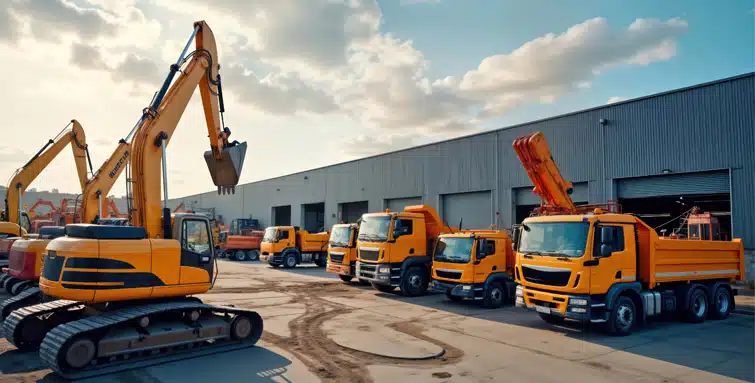
Hire operations demand different discipline to owned-fleet ops. Autocheck gives you the visibility and process to keep hired assets safe, compliant with your own service intervals and properly documented for handover and return.

Everything else Autocheck can do for your workshop.

STANDARD FEATURE

STANDARD FEATURE

STANDARD FEATURE

STANDARD FEATURE
STANDARD FEATURE

STANDARD FEATURE

STANDARD FEATURE

STANDARD FEATURE
PREMIUM FEATURE
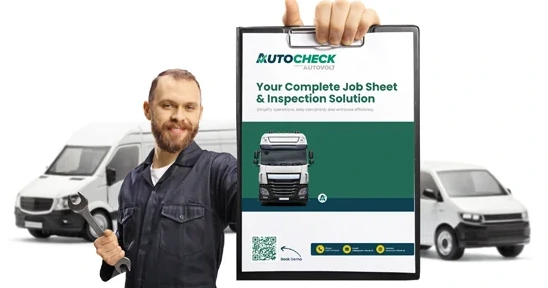
Get the Autocheck brochure delivered to your inbox